

Open Source
ComfyUI
Node-based Stable Diffusion workflows—design repeatable image pipelines when you outgrow one-click prompts.
No reviews yet

Classic Stable Diffusion browser UI—still a workhorse for indie image experiments, extensions, and LoRA testing.
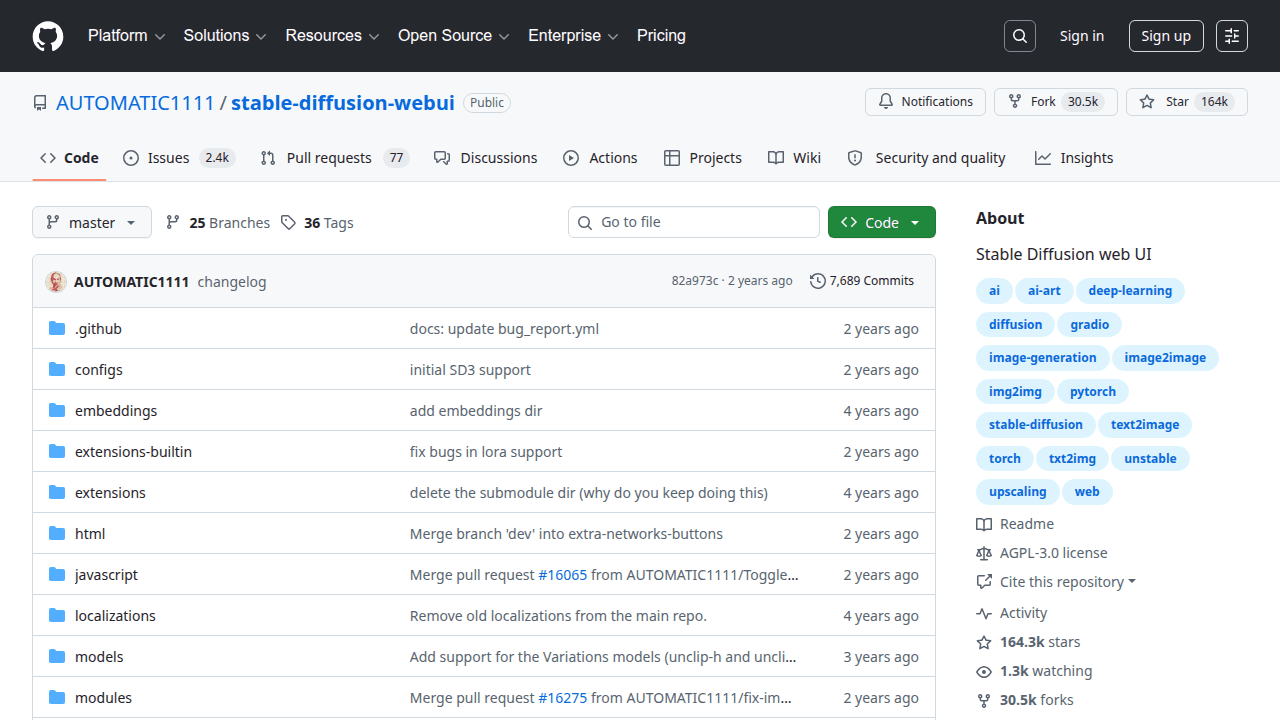
Stable Diffusion WebUI is an open-source project solopreneurs use when they want leverage without locking every workflow into a closed SaaS. Classic Stable Diffusion browser UI—still a workhorse for indie image experiments, extensions, and LoRA testing. The Automatic1111 Stable Diffusion WebUI is a widely adopted Gradio interface for running Stable Diffusion with endless extensions. Creators and solopreneurs use it to explore models, LoRAs, and img2img workflows without building a custom studio.
Why solopreneurs use it
Community extensions mean rapid access to techniques that would take months to implement alone. For product founders validating whether generative images sell in their niche, WebUI is a practical lab. It is heavier and messier than simplified tools, but that mess is also where novel styles emerge. Many commercial pipelines began as WebUI recipes later automated.
What you can build
Marketing creatives, concept art iteration, print-on-demand experiments, and dataset previews before training. Agencies standardize internal presets for client brand looks.
Getting started tip
Install carefully following current GPU instru. As with most OSS, validate maintenance activity on recent commits and issues before you bet a production roadmap on it. On SolopreneursHub we file it under Image Generation so you can discover it next to related AI repos, AI tools, and AI models.
Stable Diffusion WebUI fits solo founders, indie hackers, and small agencies who need a concrete capability—stable-diffusion, webui, extensions, image—without hiring a platform team. If you are validating an AI-assisted product, packaging a niche assistant, or cutting SaaS spend while you grow MRR, this repo is worth a serious look. It is less ideal if you need a turnkey consumer app with SLAs on day one; in that case start with a hosted product from our tools directory and revisit Stable Diffusion WebUI when margins or privacy requirements push you toward self-hosting.
Keep this Stable Diffusion WebUI listing open next to our open-source category and the upstream GitHub repository for README details, license terms, and release notes.
Ship a private MVP without burning API credits. Stable Diffusion WebUI helps you prototype the core loop locally or self-hosted so you learn what users want before you scale spend.
Productize a niche workflow. Wrap Stable Diffusion WebUI behind a thin UI or API and sell a focused outcome (drafting, research, automation, or codegen) instead of a generic chatbot.
Client delivery accelerator. Agencies and freelancers use Stable Diffusion WebUI to compress delivery time on demos, audits, and internal tools while keeping sensitive data off shared SaaS tenants.
Content and SEO operations. Pair Stable Diffusion WebUI with your publishing stack to research outlines or draft faster—then edit hard so the result stays AdSense-safe and human.
Whatever use case you pick, define a success metric before you customize deeply—activation, time-to-first-value, or cost per successful run. That keeps Stable Diffusion WebUI from becoming an endless tinkering project.
Documentation quality varies by module. Stick to the happy path first, then customize once metrics prove the feature matters.
For monetization ideas that sit on top of open-source building blocks, see how makers position paid products in our AI tools catalog and compare packaging patterns on alternatives pages.
When founders evaluate Stable Diffusion WebUI, they usually also look at ComfyUI and Fooocus. Comparisons should be job-based, not star-count-based: what outcome are you selling, how hard is day-2 operations, and can you hire (or be) the maintainer of the glue code?
When you are ready to shortlist options side by side, open Stable Diffusion WebUI alternatives and cross-check peers in the repos directory. If you are weighing a managed product instead, scan comparable listings under tools and productivity.
Also worth bookmarking: the SolopreneursHub home page for curated picks, categories for browsing by theme, and submit if you maintain a repo that should be listed.
If you get stuck choosing between adjacent projects, revisit the comparison section above and the live Stable Diffusion WebUI alternatives list.
Usually open-source means you can experiment freely, but commercial packaging depends on the exact license and any model or dependency licenses you pull in. Read the repository license and third-party notices before you sell access.
Self-host when privacy, margin, or customization matter more than convenience. Choose SaaS when your bottleneck is distribution and support, not infra. Many founders prototype with Stable Diffusion WebUI, then offer a hosted tier once demand is clear—browse both repos and tools while you decide.
When founders evaluate Stable Diffusion WebUI, they usually also look at ComfyUI and Fooocus. Rank options by time-to-demo, ops complexity, and license—not hype. Our Stable Diffusion WebUI alternatives page keeps that shortlist updated.
Yes. Typical stacks mix Stable Diffusion WebUI with models from AI models, orchestration or UI layers from AI tools, and adjacent OSS from repos. Start from Image Generation if you want thematically related picks.
Read this listing, check Stable Diffusion WebUI alternatives, then explore featured tools you might wrap commercially. When your own product is ready, submit a listing so other solopreneurs can find it.
Node-based Stable Diffusion workflows—design repeatable image pipelines when you outgrow one-click prompts.

Simplified Midjourney-like local image generation—great defaults so you focus on prompts, not twenty samplers.

Creative image studio OSS with a professional feel—organize canvases, models, and boards for serious indie production.