

Open Source
Dify
Low-code LLMOps platform to design, run, and observe AI apps—ship assistants faster than custom chrome allows.
No reviews yet

CLI pair programmer that edits your repo—ship features faster when you are the only engineer on the project.
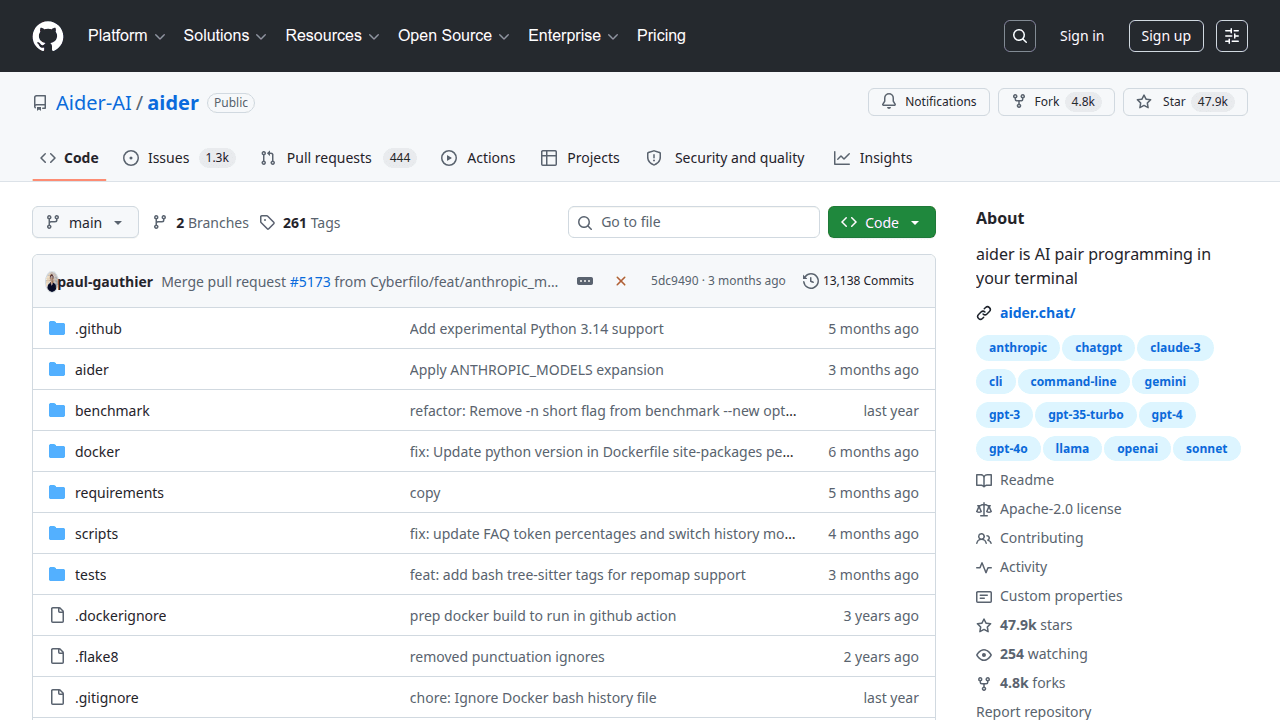
Aider is an open-source project solopreneurs use when they want leverage without locking every workflow into a closed SaaS. CLI pair programmer that edits your repo—ship features faster when you are the only engineer on the project. Aider is a command-line AI coding assistant that works with your local git repo to propose and apply changes collaboratively. Solopreneurs use it as a force multiplier for everyday implementation, refactors, and tests when hiring another engineer is not on the table.
Why solopreneurs use it
Typing boilerplate and hunting call sites drains the hours you need for customers. Aider keeps you in the terminal with repo awareness, which often beats copy-pasting files into a chat website. Git-centric workflows make reviews and reverts natural. Used judiciously, it raises throughput without abandoning engineering judgment.
What you can build
Feature implementation sprints, bugfix passes, test generation, and documentation updates inside real repositories. Open-source maintainers triage issues with AI-assisted patches they still review carefully.
Getting started tip
Commit before each Aider . As with most OSS, validate maintenance activity on recent commits and issues before you bet a production roadmap on it. On SolopreneursHub we file it under Code & Development so you can discover it next to related AI repos, AI tools, and AI models.
Aider fits solo founders, indie hackers, and small agencies who need a concrete capability—coding-agent, cli, git, pair-programming—without hiring a platform team. If you are validating an AI-assisted product, packaging a niche assistant, or cutting SaaS spend while you grow MRR, this repo is worth a serious look. It is less ideal if you need a turnkey consumer app with SLAs on day one; in that case start with a hosted product from our tools directory and revisit Aider when margins or privacy requirements push you toward self-hosting.
Keep this Aider listing open next to our open-source category and the upstream GitHub repository for README details, license terms, and release notes.
Replace a paid SaaS seat. If a vendor charges per seat for something Aider already covers well enough, OSS can drop COGS while you stay flexible.
Build an agent or RAG feature. Aider often becomes a building block inside a larger solopreneur product: retrieval, tools, memory, or orchestration.
Automate repetitive operator work. Solo founders wire Aider into cron jobs, webhooks, or flows from our AI tools catalog so nights and weekends are not spent on copy-paste ops.
Educate and convert. Tutorials and teardown posts around Aider attract builders who later become customers of your paid wrapper or services.
Whatever use case you pick, define a success metric before you customize deeply—activation, time-to-first-value, or cost per successful run. That keeps Aider from becoming an endless tinkering project.
The trade-off is ownership: you (or your VPS) become the ops person. Budget time for upgrades, monitoring, and backups—or start on managed hosting and migrate later.
For monetization ideas that sit on top of open-source building blocks, see how makers position paid products in our AI tools catalog and compare packaging patterns on alternatives pages.
When founders evaluate Aider, they usually also look at Dify and Flowise. Comparisons should be job-based, not star-count-based: what outcome are you selling, how hard is day-2 operations, and can you hire (or be) the maintainer of the glue code?
When you are ready to shortlist options side by side, open Aider alternatives and cross-check peers in the repos directory. If you are weighing a managed product instead, scan comparable listings under tools and productivity.
Also worth bookmarking: the SolopreneursHub home page for curated picks, categories for browsing by theme, and submit if you maintain a repo that should be listed.
If you get stuck choosing between adjacent projects, revisit the comparison section above and the live Aider alternatives list.
Usually open-source means you can experiment freely, but commercial packaging depends on the exact license and any model or dependency licenses you pull in. Read the repository license and third-party notices before you sell access.
Self-host when privacy, margin, or customization matter more than convenience. Choose SaaS when your bottleneck is distribution and support, not infra. Many founders prototype with Aider, then offer a hosted tier once demand is clear—browse both repos and tools while you decide.
When founders evaluate Aider, they usually also look at Dify and Flowise. Rank options by time-to-demo, ops complexity, and license—not hype. Our Aider alternatives page keeps that shortlist updated.
Yes. Typical stacks mix Aider with models from AI models, orchestration or UI layers from AI tools, and adjacent OSS from repos. Start from Code & Development if you want thematically related picks.
Read this listing, check Aider alternatives, then explore featured tools you might wrap commercially. When your own product is ready, submit a listing so other solopreneurs can find it.
Low-code LLMOps platform to design, run, and observe AI apps—ship assistants faster than custom chrome allows.

Drag-and-drop LLM flows on LangChain concepts—prototype agent logic visually before committing to hard-coded graphs.

Open-source IDE autopilot—bring AI coding into VS Code or JetBrains without surrendering your codebase to a black box.

Open autonomous software engineer agents that can navigate repos—delegate well-scoped coding tasks carefully.